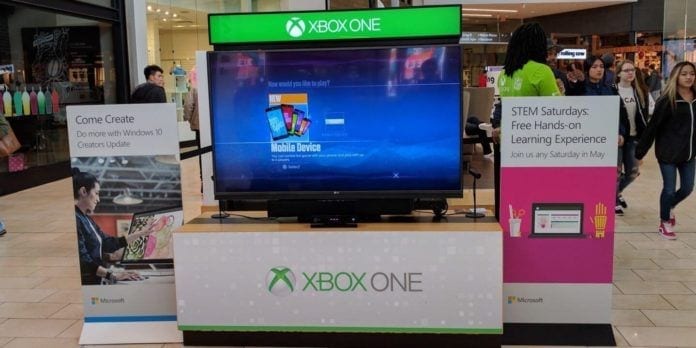
In the modern world, understanding and utilizing technology is an integral part of excelling in the workspace. That’s why many New Jersey curriculums have shifted to include a strong focus on STEM. Some may think STEM education is more for students in high school and beyond; but there are a number of youth programs as well. For example, Microsoft Stores now offer a free STEM Saturday program.
On May 2, Microsoft announced an initiative empowering the students and teachers of today to create the world of tomorrow. Part of that announcement included a new program called STEM Saturday. This free learning experience is currently being offered at all full-line Microsoft Stores in New Jersey (see details below); as well as across the US, Canada, Puerto Rico and Australia, every Saturday throughout the month of May.
These 30-minute projects task students with building Flex Sensors; and this month’s specific focus is on building a Sensorized Finger. Though the activity is ideally for students ages 11-14, anyone can participate; it is definitely possible for younger kids to also complete the Sensorized Finger with a bit of parental support.
[bibblio style=”bib–row-3 bib–hover bib–white-label bib–font-arial bib–default bib–size-16 bib–shine” query_string_params=”eyJ1dG1fc291cmNlIjoiQmliYmxpbyIsInV0bV9tZWRpdW0iOiJNb2R1bGUiLCJ1dG1fY2FtcGFpZ24iOiJSZWNvbW1lbmRhdGlvbnMifQ==” recommendation_type=”optimised”]
No Experience Necessary
Nikki DeBiase, community development specialist for the Microsoft Store at Westfield Garden State Plaza, told Best of NJ that the program does not require any experience with STEM-related fields to complete, so there is really no barrier of entry. She also mentioned that the Sensorized Finger program is part of a larger project, encapsulating Parts One and Two of a Six-part activity that allows students to construct a completed Sensorized Hand.
If the STEM Saturday program generates enough interest in May, it is possible that Microsoft Stores will continue the activity so that participants can return to complete the remaining four parts. So far, the Garden State Plaza location has seen a lot of interest from kids (and parents) of all ages, DeBiase said.
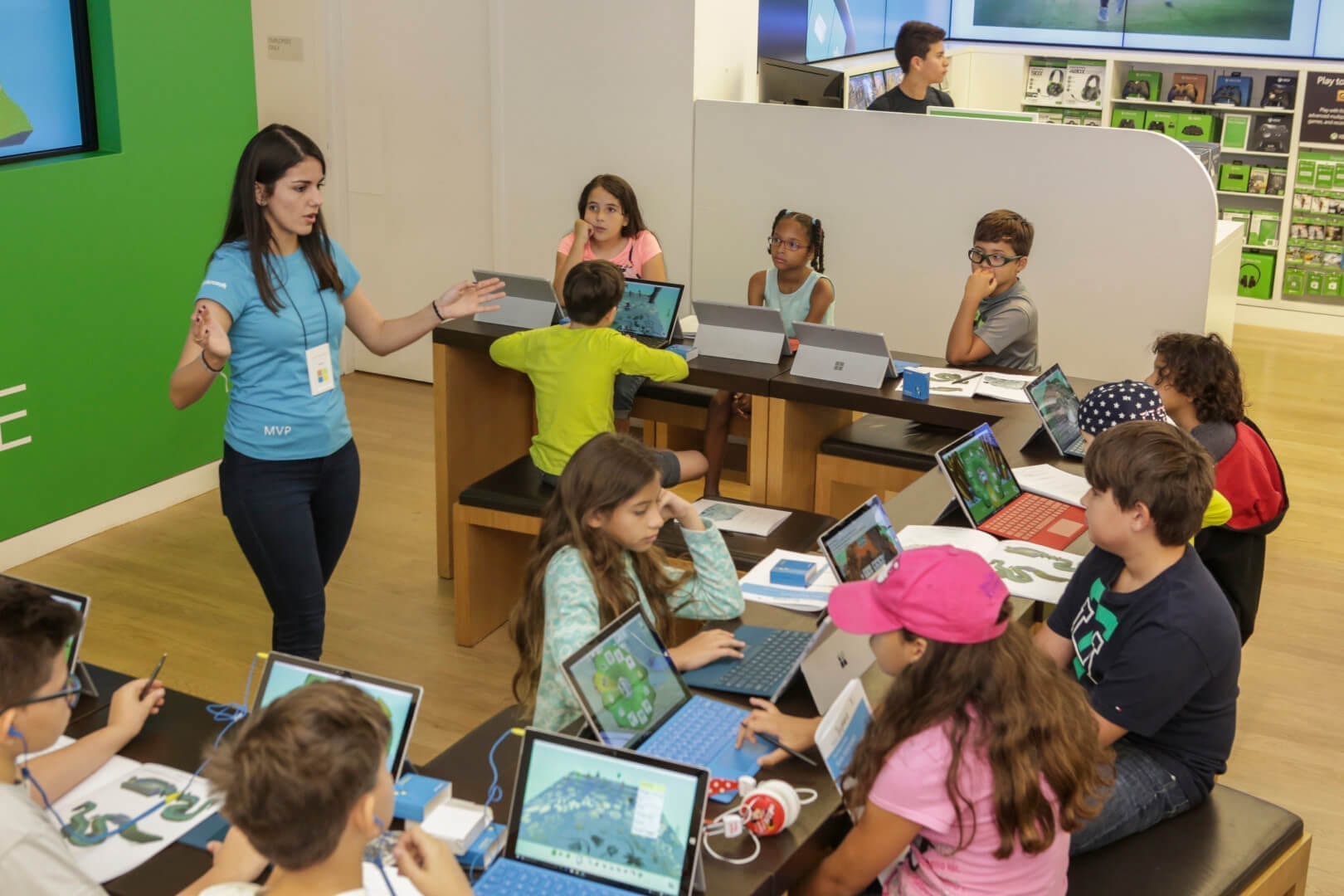
Though the project is designed to take about 30 minutes, the Microsoft Stores run each session in one-hour blocks. This way, participants have ample time to complete their Sensorized Finger, as well as receive direct support from members of the Microsoft Store team running the session. There is also a detailed step-by-step informational picture guide that students can follow, which relieves a lot of the intimidation factor for anyone worried they need to be a robotics engineer to have fun participating in the activity.
When and Where
To sign up for one of the remaining STEM Saturday programs, take a look at the schedule below and follow the link for the store you’d like to visit. From there, you’ll see a calendar of events at the bottom of the page, where you can either RSVP or call ahead for more information.
- Microsoft Store at Westfield Garden State Plaza (Paramus)
- May 20, from 11:00 am – 2:00 pm
- May 27, from Noon – 4:00 pm
- Microsoft Store at Bridgewater Commons (Bridgewater)
- May 20, from Noon – 1:00 pm, 2:00 – 3:00 pm, and 4:00 pm – 5:00 pm
- May 27, from Noon – 1:00 pm, 2:00 – 3:00 pm, and 4:00 pm – 5:00 pm
- Microsoft Store at Freehold Raceway Mall (Freehold)
- May 20, from 10:00 am – 2:00 pm
- May 27, from 10:00 am – 2:00 pm
- Microsoft Store at Willowbrook Mall (Wayne)
- May 20, from Noon – 4:00 pm
- May 27, from Noon – 4:00 pm
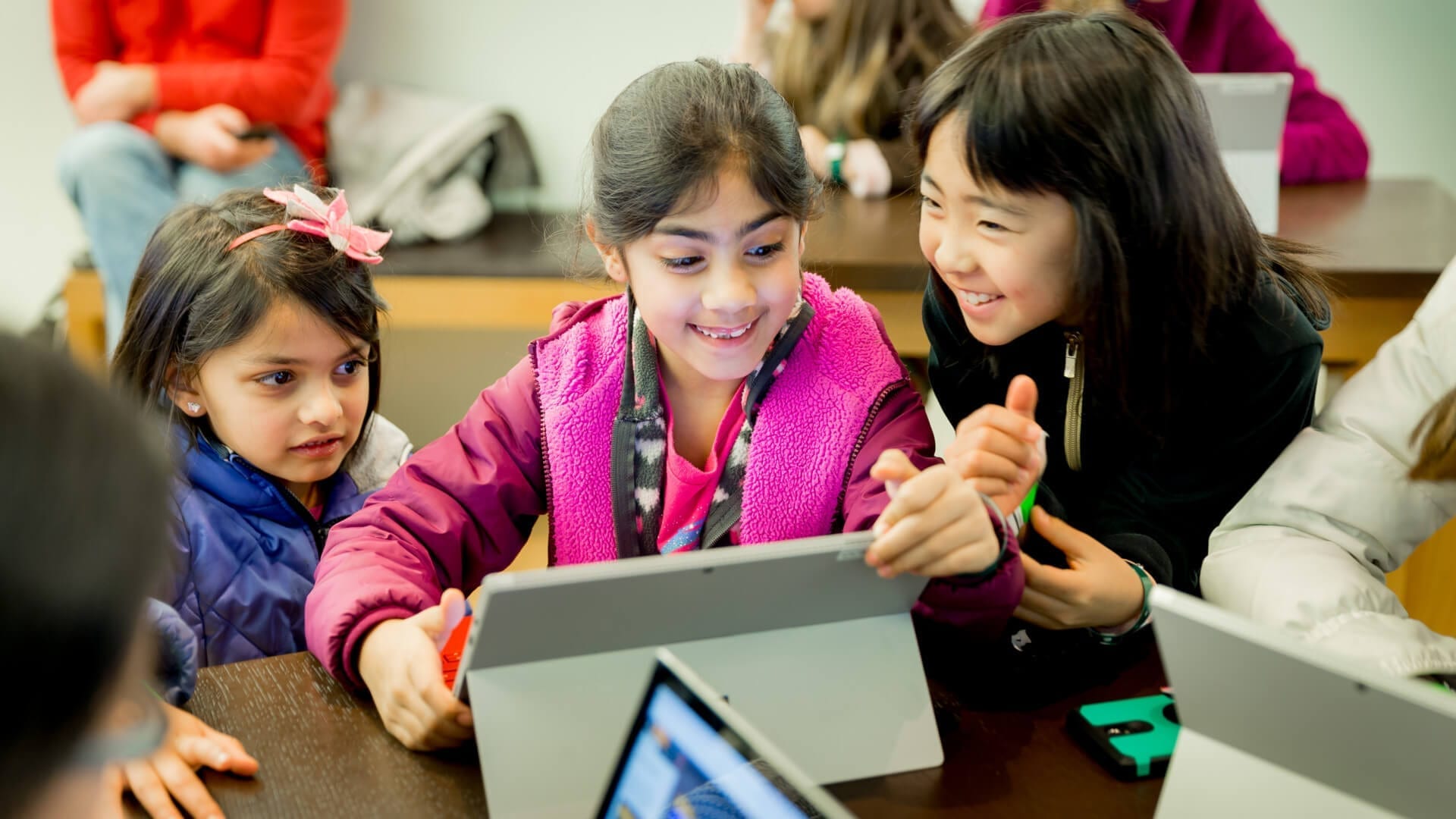
STEM Saturday is just the latest addition on top of a number of other free programs that Microsoft Stores offer year-round. A few years ago, Microsoft also launched the YouthSpark program with similar goals to help young learners understand computer science. During the summer, Microsoft Stores offer free YouthSpark summer camps. In addition, there are a number of free weekly programs open to all ages. These programs all attendees to learn how to use a variety of Microsoft products in the Microsoft Office suite; such as Word, Excel, PowerPoint, and Outlook.
Top (Hero) Photo: © Vinny Parisi / Best of NJ
Other Photos (in Order) Courtesy: Microsoft